
Introduction
Microsoft released the optional update KB5070311 for Windows 11 on December 1, 2025, as part of its final non-security update cycle for the year. The patch targets both versions 24H2 and 25H2 and focuses on improving system stability, refining AI-driven features, and expanding visual consistency across Windows components.
Unlike cumulative security updates, KB5070311 is a preview release, allowing users and IT administrators to test upcoming fixes before they roll out to all systems in the December security patch. For many, it offers a glimpse into what will become the final build of Windows 11 for 2025.
Key Highlights and Improvements
The update includes 49 documented improvements, many addressing lingering performance issues, interface inconsistencies, and new Copilot+ PC integrations. Below are the most notable enhancements.
Copilot+ and AI Integration
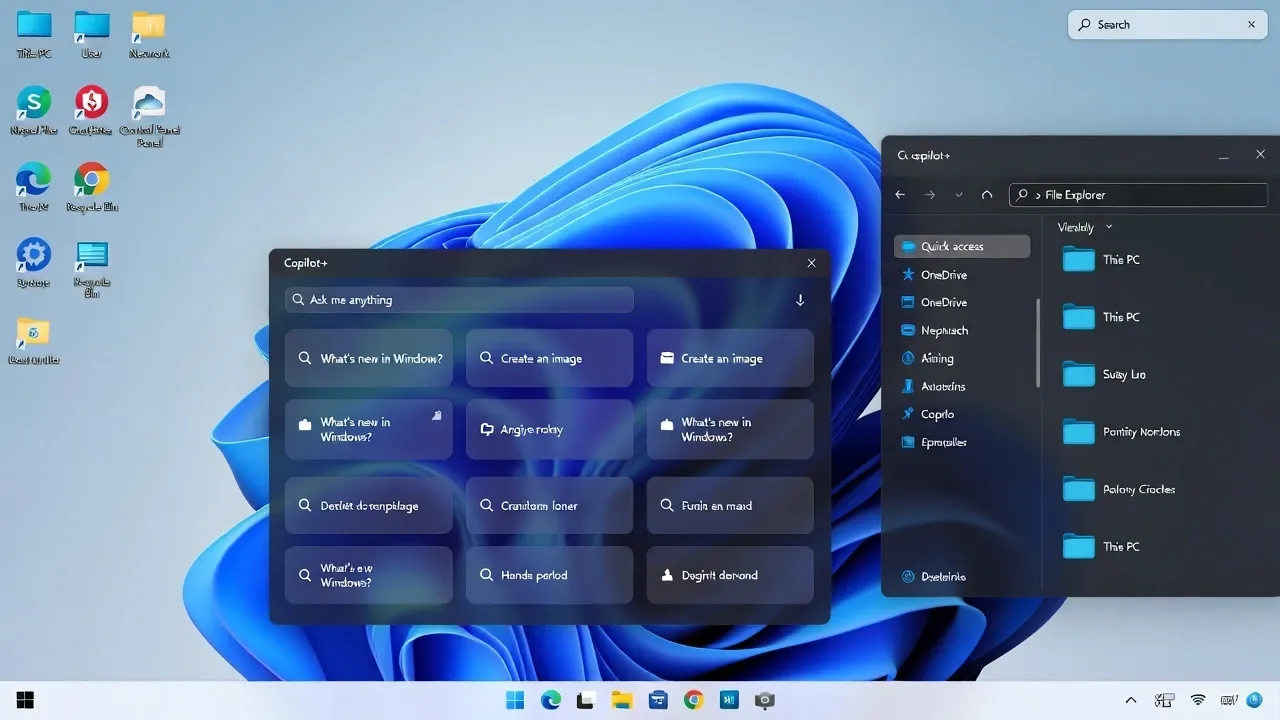
Microsoft continues its effort to expand Copilot across native system experiences. KB5070311 refines context-awareness, enabling Copilot to access and summarize local documents more accurately. AI-driven Windows suggestions now appear faster and consume less system memory.
Users on Copilot+ PCs receive better multitasking support, particularly when switching between large AI workloads and standard applications. The update also improves responsiveness when using natural language commands to control settings and features.
File Explorer and Dark Mode
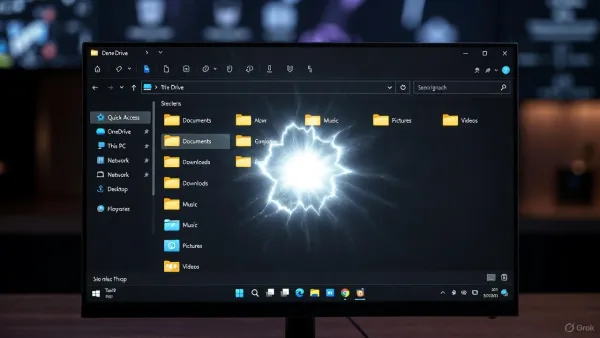
The update extends dark-mode compatibility to legacy File Explorer dialogs, such as copy, move, and delete windows, achieving a more cohesive appearance throughout the interface. Microsoft aimed to reduce inconsistent brightness transitions and further unify the design between system and app components.
However, many users have reported a temporary visual bug causing a white flash when navigating folders in dark mode, which Microsoft has acknowledged and plans to address in a follow-up patch.
Performance and Stability
KB5070311 resolves several issues that caused occasional system freezes and File Explorer slowdowns during intensive file transfers. Memory management has been optimized for both x64 and ARM64 platforms, improving responsiveness on hybrid devices.
Gaming performance also benefits from DirectX 12 optimizations, addressing microstuttering observed in select configurations with NVIDIA and AMD GPUs after the November cumulative update.
Networking and Connectivity
The update improves network discovery for SMB shares and reliability of Wi-Fi 6E connections. Microsoft also fixed an issue that caused some VPN clients to drop connections after sleep or hibernation. Enterprise administrators using Microsoft Intune and Entra ID will find more consistent policy synchronization and device compliance checks.
Accessibility and Input
KB5070311 enhances support for screen readers and introduces better contrast recognition for high-DPI screens. Voice access has been refined, allowing smoother transitions between dictation and command modes. Additionally, the on-screen keyboard now opens more reliably in tablet orientation.
Known Issues
Microsoft notes a few known problems in KB5070311, the most visible being the File Explorer white-flash bug in dark mode. Some users also report lag during taskbar icon refresh or unexpected brightness shifts on multi-monitor setups.
Administrators are advised to test the update before deploying it organization-wide. As with all preview releases, it should not be installed on mission-critical systems until included in the cumulative security update later in December.
Installation and Deployment
KB5070311 is available through Windows Update as an optional preview. Users can also download it from the Microsoft Update Catalog for manual installation.
To install manually:
- Open Settings > Windows Update
- Select Check for updates
- Choose Download and install under Optional Updates
System restart is required to complete the installation.
Why This Update Matters
Although not a security patch, KB5070311 represents an important maintenance milestone before the 2026 release cycle. It demonstrates Microsoft’s ongoing transition toward unified AI integration and a consistent visual experience across Windows devices.
For IT professionals, this update offers a chance to validate system behavior and compatibility ahead of future cumulative releases, especially in environments that rely heavily on dark-mode applications, AI workflows, and modern security policies.
Conclusion
Windows 11 KB5070311 delivers the final wave of refinements for 2025, strengthening Copilot+ functionality, modernizing dark mode, and resolving long-standing performance issues. While the optional nature of the update means it’s safe to delay for production systems, users who install it early will experience the foundation of Windows 11’s next evolution.
Microsoft is expected to include all KB5070311 fixes in the December security update, marking the last cumulative release before 2026 development begins.
Sources
Microsoft Support – KB5070311 (OS Builds 26100.7309 and 26200.7309) Update Notes
Windows Latest – Everything new in Windows 11 KB5070311
Pureinfotech – Windows 11 KB5070311 (December 2025 Update) Full Changelog
TechRadar – Windows 11 KB5070311 improves Copilot and dark mode consistency