
What Happened: Insider Preview Release
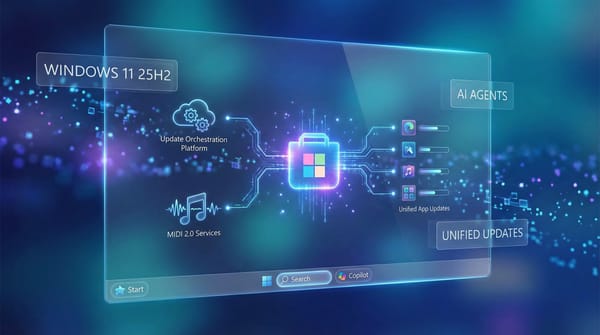
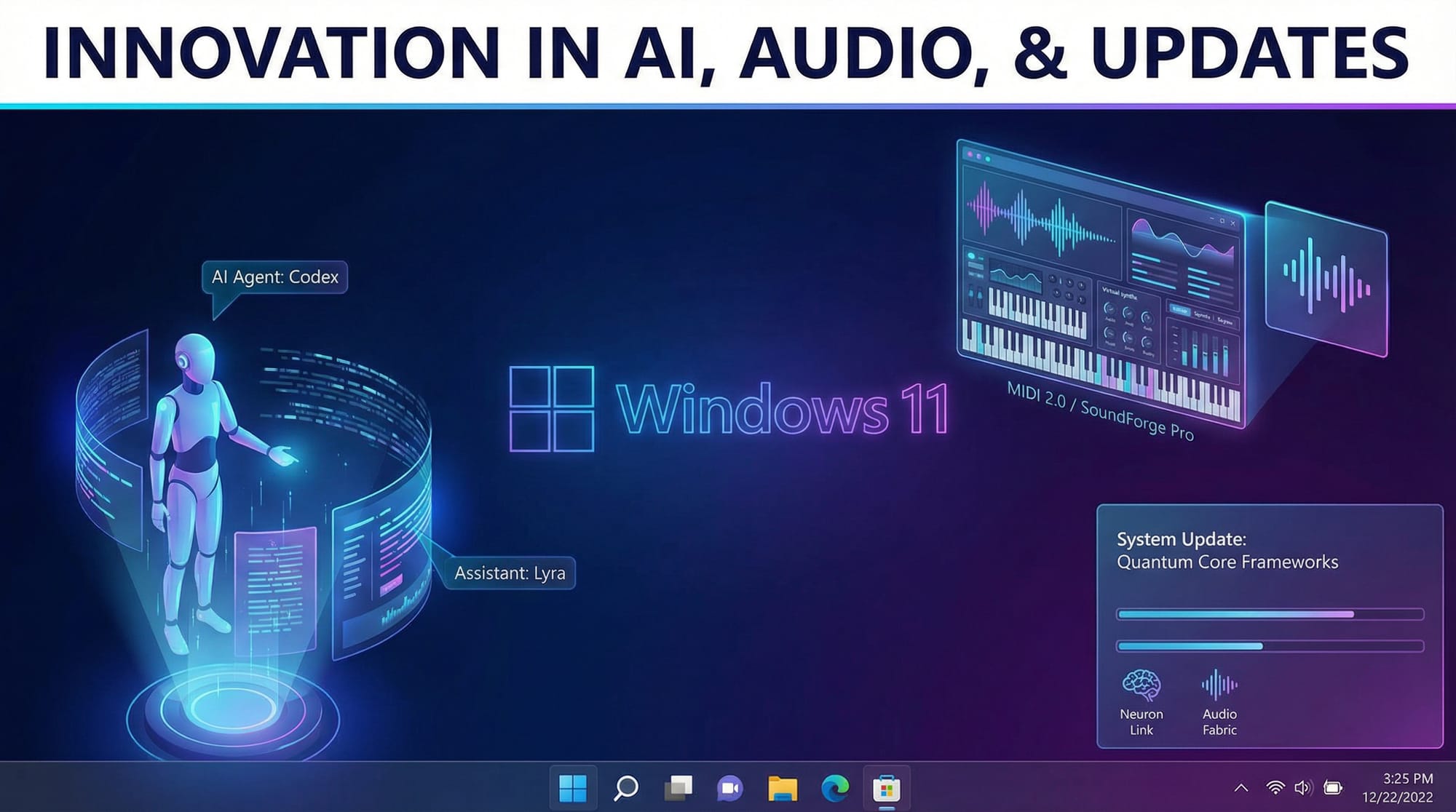
On December 5, 2025, Microsoft distributed Windows 11 Insider Preview build 26220.7344 through the Windows Insider Program's Dev and Beta channels. This latest development build advances the 25H2 version through an enablement package introducing foundational features for AI-driven workflows, modernized audio infrastructure, and centralized application update management.
The simultaneous release to both Dev and Beta channels indicates that these distribution tiers now operate on identical build schedules, streamlining the testing process across Insider Program tiers. Organizations and enthusiasts enrolled in either channel receive the identical build 26220.7344 directly through Windows Update after enabling the "latest updates as soon as available" option.
Scope of Development Initiatives
The build encompasses multiple infrastructure initiatives maturing over preceding months toward production readiness. AI agent support, MIDI 2.0 services, and the new update orchestration platform represent multi-quarter investments now transitioning from private development to preview-stage community validation.
Technical Analysis: Infrastructure and Integration Points
Model Context Protocol for AI Agent Connectivity
Windows 11 now natively supports the Model Context Protocol (MCP), an open standard enabling artificial intelligence agents to interact securely with applications, services, and system resources. The integration establishes MCP as a foundational Windows component rather than an external add-on.
The Model Context Protocol ecosystem comprises three distinct elements: MCP clients (the AI agents), MCP servers (services exposing capabilities), and MCP hosts (applications enabling agent access). Windows provides the central coordination layer through the On-Device Registry (ODR), which catalogs available MCP connectors and manages agent capability discovery.
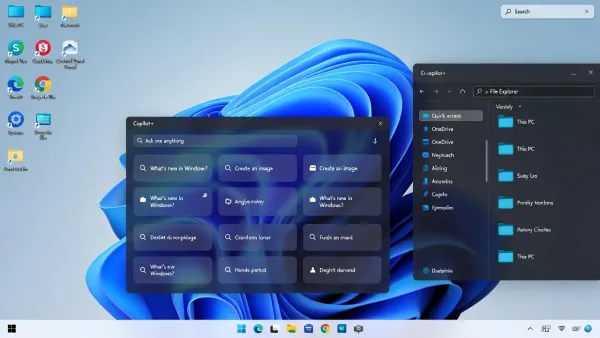
Initial connector implementations include file system explorer access and Windows Settings administration. File system connectors permit AI agents to organize, search, and retrieve files through natural language descriptions—"find vacation photos from summer 2024"—without requiring manual file browsing. Settings connectors limited to Copilot+ equipped machines enable system configuration adjustments through conversational requests.
Critically, Microsoft enforces multiple security boundaries: proxy-mediated MCP communication routes all agent requests through Windows security infrastructure, tool-level authorization requires explicit user consent for agent capability access, and runtime isolation constrains agent permissions to minimum necessary access.
Windows MIDI Services and MIDI 2.0 Final Infrastructure
The final release of Windows MIDI Services modernizes the entire MIDI architecture upon which digital music production relies. Previously, Windows implemented MIDI through legacy drivers designed in the 1990s with limited flexibility and compatibility concerns between MIDI 1.0 and emerging MIDI 2.0 standards.
Windows MIDI Services establishes a unified layer translating between legacy MIDI 1.0 devices and modern MIDI 2.0 infrastructure. Automatic translation ensures backward compatibility: MIDI 1.0 applications and devices continue functioning unmodified while gaining transparent access to MIDI 2.0 capabilities when available. Conversely, MIDI 2.0 applications benefit from expanded feature sets including bidirectional communication and extended resolution.
Performance optimizations address long-standing musician frustrations: multiple applications can now share MIDI ports simultaneously, eliminating conflicts where only one application could access a MIDI device. MIDI loopback enables inter-application audio routing, supporting complex composition workflows combining multiple DAWs and control applications.
Unified Update Orchestration Platform (UOP)
Microsoft introduces the Unified Update Orchestration Platform to centralize application update discovery, downloading, and installation. Rather than individual applications managing their own update workflows with inconsistent user interfaces and timing behavior, UOP coordinates updates through Windows.
The implementation preserves application autonomy: each application continues using its native update mechanisms but reports progress and status to Windows. Windows consolidates this information into a unified dashboard accessible through Settings > Applications > App Updates, providing administrators and users comprehensive visibility into pending updates and installation status.
UOP implementation remains nascent; current builds include the infrastructure and UI components, but no applications yet integrate with the platform. Developer documentation and SDK will follow, enabling third-party adoption. This phased approach allows Windows to stabilize the platform before widespread application integration.
Open With Dialog Enhancement
The traditional "Open With" dialog now integrates directly with Microsoft Store, eliminating the intermediate step of navigating to Store separately when no installed applications support a selected file type. Compatible Store applications appear directly within the dialog with one-click installation capability, substantially reducing friction for users discovering and installing new applications.
Quick Machine Recovery Default Activation
Windows 11 Professional editions now activate Quick Machine Recovery by default on non-domain-joined machines, providing equivalent system recovery capabilities previously limited to Home editions. Domain-joined Professional systems maintain the previous behavior with administrators controlling QMR policies through group policy administration.
Impact: Enterprise and Consumer Implications
AI Agent Adoption Acceleration
Windows 11's native MCP support removes technical barriers to AI agent deployment. Previously, integrating AI agents required custom development connecting to system resources. Standardized MCP enables developers to build intelligent applications rapidly while maintaining consistent security and permission models.
Organizations can deploy AI agents internally to automate file organization, system administration, and document retrieval tasks. Enterprises using Copilot+ compatible hardware gain particularly sophisticated capabilities through agents handling Settings modifications and system configuration through natural language interfaces.
Professional Audio Production Improvements
MIDI 2.0 support through native Windows infrastructure directly benefits music production professionals. Musicians working with complex setups combining multiple controllers, synthesizers, and applications benefit from simultaneous multi-application MIDI port access and enhanced reliability compared to legacy driver stacks.
The translation layer between MIDI 1.0 and 2.0 prevents compatibility regressions; existing instruments and software continue functioning while supporting new capabilities when deployed. This progressive modernization avoids the wholesale replacement scenarios that previously disrupted professional workflows.
Application Update Management Centralization
UOP provides system administrators visibility into application update status across enterprise fleets. Currently limited visibility into which applications require updates and their installation status complicates update compliance and software lifecycle management. Centralized reporting improves inventory management and security patching coordination.
Expert Analysis: Strategic Platform Evolution
Windows 11 continues Microsoft's strategic transformation toward becoming an AI-centric operating system. Native MCP support, OneDrive integration with AI features, and Copilot+ hardware optimization represent coordinated initiatives positioning Windows as the foundational platform for agentic computing.
The MIDI 2.0 infrastructure represents less headline-grabbing but equally significant modernization. Professional audio producers constitute a non-trivial market segment often overlooked by consumer-focused OS releases. Investing in MIDI 2.0 final infrastructure demonstrates Microsoft's commitment to specialty professional workflows beyond traditional business software.
UOP signals maturation in application ecosystem management. As application complexity increases and update frequency accelerates, centralized orchestration becomes increasingly necessary for systems stability and administrator oversight. The phased rollout approach allows Microsoft to stabilize the platform before mandating widespread adoption.
However, the MCP implementation warrants security scrutiny. Although Microsoft implements multiple security layers, AI agents accessing file systems and system settings represent novel attack vectors. Widespread MCP adoption could create security vulnerabilities if implementations prove insufficient or user authorization becomes routine rather than deliberate.
What to Do Next: Testing and Adoption Strategies
For Windows Insider Program Participants
Enroll in the Beta Channel through Settings > Update & Security > Windows Insider Program if not already participated. Select "Beta Channel" for access to build 26220.7344 and future 25H2 updates. Enable "Get the latest updates as soon as they're available" then trigger manual update checking.
Test MIDI Services functionality on systems with MIDI devices, evaluating multi-application MIDI port sharing and MIDI 2.0 device compatibility. Report compatibility issues or performance concerns through the Feedback Hub to Microsoft engineering teams.
For Enterprise IT Administrators
Monitor build releases for stability indicators before staging deployments in organizational test environments. Evaluate UOP integration opportunities as application vendors adopt the platform. Plan training for users on AI agent capabilities and security implications of agent access.
For Professional Audio Producers
Validate current MIDI setup compatibility with Windows 11 25H2 in non-production environments. Evaluate MIDI 2.0 device investments where availability and pricing permit, understanding that Windows infrastructure now supports MIDI 2.0 end-to-end.
Conclusion
Windows 11 build 26220.7344 represents a significant step toward agentic computing on personal computers through native AI agent support and enhanced system integration. Simultaneously, MIDI 2.0 finalization and UOP deployment demonstrate Microsoft's commitment to specialized professional workflows and ecosystem modernization beyond consumer-focused features.
These features will gradually reach production Windows 11 installations through standard update channels, likely arriving as part of quarterly cumulative updates or feature-focused releases throughout 2026. Insider Program participants should actively test and report experiences to help Microsoft refine implementations before broader rollout.
Related reading: Windows 11 Insider Program enrollment guide, MIDI 2.0 setup for audio production, and AI agent security best practices.
Sources
-
Microsoft Windows Blog – Announcing Windows 11 Insider Preview Build 26220.7344 (Dev & Beta Channels) – https://blogs.windows.com/windows-insider/2025/12/05/announcing-windows-11-insider-preview-build-26220-7344-dev-beta-channels/
-
Pureinfotech – Build 26220.7344 (KB5070316) for Windows 11 Adds New App Update Features – https://pureinfotech.com/build-26220-7344-kb5070316-windows-11-25h2/
-
eWeek – Microsoft's Big Bet on AI Agents: Model Context Protocol in Windows 11 – https://www.eweek.com/news/microsoft-windows-11-model-context-protocol/
-
Eleven Forum – KB5070316 Windows 11 Insider Dev and Beta Build 26220.7344 25H2 Discussion – https://www.elevenforum.com/t/kb5070316-windows-11-insider-dev-and-beta-build-26220-7344-25h2-dec-5.42692/