

What Happened: Service Disruption at Scale
On December 2, 2025, Microsoft Defender XDR portal operations degraded significantly, preventing organizations from accessing core security features. The outage persisted for more than 10 hours before mitigation measures restored service stability.
Microsoft's admin center service alert (designated DZ1191468) identified the disruption as a critical incident—a categorization reserved for events with substantial user-facing impact. Security teams using the portal for threat detection, incident investigation, and endpoint management encountered complete inability to access features or retrieve alert data.
The timing proved particularly disruptive. Organizations operating 24/7 security operations centers faced a gap in their threat visibility precisely when they depend on comprehensive situational awareness. During the outage window, any emerging threats or suspicious activities remained undetectable through the portal interface.
The Root Cause: Traffic Surge and CPU Exhaustion
Microsoft attributed the incident to an unexpected surge in traffic directed toward portal backend components. This spike overwhelmed the Central Processing Unit (CPU) resources powering core portal functionality—the servers simply could not process incoming requests efficiently.
When backend CPU utilization reaches excessive levels, server response times degrade exponentially. Portal users experienced complete service blockage rather than slowness—requests timed out rather than returning data, creating a binary on/off failure pattern rather than graceful degradation.
The specific impacted functionalities included threat-hunting query access (the portal's most resource-intensive feature), device visibility (displaying enrolled endpoints and their status), and advanced alert notifications. Users could authenticate but encountered blank dashboards and missing incident data.
Initial Response and Mitigation Timeline
Microsoft acknowledged the outage at 06:10 UTC on December 2. The company's first public communication confirmed the issue and began sharing updates at regular intervals.
By 08:00 UTC, approximately two hours after acknowledgment, Microsoft reported implementing mitigation measures including increased processing throughput on affected components. Telemetry indicated that service availability began recovering for some customer populations.
However, the recovery was not instantaneous or universal. Some organizations continued experiencing disruptions even as others gained portal access. Microsoft coordinated with remaining affected customers to collect HTTP Archive (HAR) traces—detailed network interaction logs that reveal client-side behavior and server response patterns—to diagnose lingering issues.
By the incident's close, Microsoft confirmed that all affected customers regained access and that system telemetry showed CPU utilization returning to normal operating thresholds.
Technical Analysis: Infrastructure Stress and Cascade Failures
Why Traffic Spikes Cause Portal Outages
The Defender XDR portal architecture centralizes security data from distributed endpoints, cloud services, and threat intelligence feeds. Requests converge on shared backend services that aggregate, process, and present this data through the web interface.
When a single traffic source overwhelms ingress capacity, the system enters a resource-constrained state. In cloud architectures, auto-scaling mechanisms typically respond by provisioning additional compute capacity. However, auto-scaling requires time to activate—instances boot, memory initializes, load balancers reprogram. During this lag window, queued requests pile up, causing cascading failures across dependent services.
The Defender portal's threat-hunting query engine proves especially CPU-intensive. These queries scan historical data, correlate events across thousands of endpoints, and execute pattern-matching algorithms. Even a small increase in concurrent query volume directly translates to CPU utilization spikes.
Missing Device Visibility and Alert Data
When the portal's backend became resource-starved, data retrieval operations failed. Endpoint visibility—the live list of enrolled devices and their security status—relies on real-time database queries against millions of device records. With CPU exhausted, these queries timed out.
Similarly, alert retrieval operations failed. The alert queue system, which normally streams threat detections to the portal interface, depends on database access. When the database server's CPU reached saturation, new alert queries received no responses.
Users witnessed blank devices lists and missing alert counts—not because the data disappeared, but because the portal lacked CPU resources to retrieve it. The underlying security events and detections continued occurring; they simply remained inaccessible through the web interface.
Monitoring and Detection Gaps
A critical gap during the outage: organizations using Defender XDR as their primary threat-hunting platform lost visibility entirely. Endpoint Protection and Response (EPR) agents continued operating on devices, still collecting telemetry and detecting threats. However, security teams could not access this data through the portal.
Teams relying on alternative access mechanisms—API access, reporting tools, third-party integrations—potentially maintained some visibility. Organizations without backup alerting infrastructure faced a complete blind spot during the outage window.
Impact: Why This Matters to Security Teams
Incident Response Paralysis
Security operations teams depend on the Defender XDR portal for incident triage, root cause analysis, and threat containment decisions. During the outage, teams could not:
Access incident timelines or correlated alerts for ongoing investigations
Review device inventory to understand breach scope
Execute response actions like isolating infected machines or disabling accounts
Query historical data to detect related compromises across the organization
Organizations investigating active breaches or responding to threat notifications faced operational paralysis. Incident response playbooks typically depend on portal access for situational awareness before executing containment actions.
Threat Visibility Blind Spot
The 10+ hour outage created a detection and response gap. Threats occurring during the outage window remained invisible to threat hunters. Even if detection rules triggered and alerts generated, security teams could not access the alerts to assess threat severity or initiate response.
For organizations facing targeted attacks or data exfiltration attempts, this outage window represented a critical vulnerability window where threats operated undetected.
Business Continuity and Compliance Implications
Regulated industries (healthcare, financial services, critical infrastructure) maintain requirements for continuous security monitoring and documented threat detection capabilities. An extended outage that blocks alerting and monitoring systems creates compliance violations.
Audit trails typically rely on portal logs and incident records. The outage's impact on audit integrity requires careful documentation to explain the monitoring gap during incident reviews.
Expert View: Systemic Vulnerabilities in Cloud Security Infrastructure
The Defender XDR outage reflects broader architectural challenges in cloud-based security platforms. Unlike traditional on-premises security tools where organizations controlled infrastructure scaling, cloud security platforms depend entirely on vendor infrastructure resilience.
Traffic spike scenarios illustrate the problem: normal security operations (routine threat hunting, scheduled reports) generate baseline traffic. But special events—vulnerability disclosures triggering mass threat-hunting activity, ransomware incidents sparking organization-wide breach investigations, or legitimate seasonal traffic increases—can create unprecedented load spikes.
Microsoft's auto-scaling systems evidently could not scale quickly enough to absorb the traffic surge. This suggests either insufficient auto-scaling configuration or architectural bottlenecks that prevent rapid scaling (database connection pool limits, licensing constraints, etc.).
The incident also highlights a critical distinction: distributed endpoint telemetry collection and threat detection (happening at endpoints) continued during the outage. The portal outage affected only data visualization and retrieval—not detection. However, threat hunters and incident responders depend entirely on portal access to view and investigate this data, making the distinction academic from a practical perspective.
Organizations relying on security platforms operated by major vendors should recognize this reality: platform outages are statistically inevitable. The appropriate response is not abandoning the platform, but designing operational processes that account for platform unavailability scenarios through alternative access methods and local data retention.
What to Do Next: Strengthening Resilience
Implement Alternative Access Mechanisms
Organizations should establish non-portal methods for accessing Defender security data. Options include:
Microsoft Graph API access with appropriate role-based permissions for automated threat hunting and reporting. Organizations can write scripts that query detections, alerts, and device status without depending on portal availability.
Export workflows that regularly cache portal data to on-premises repositories. Daily exports of incident summaries, device inventory, and alert histories provide offline reference data if the portal becomes unavailable.
Integration with third-party SIEM platforms that ingest Defender alerts and detections. Organizations using Splunk, ELK, or similar platforms maintain parallel visibility of security events even if the Defender portal fails.
Review Escalation Procedures for Portal Outages
Security operations runbooks should explicitly address portal unavailability scenarios. Teams should understand which investigations can proceed offline (reviewing exported data, analyzing local logs), which require external portal access (live threat hunting queries), and what communication procedures trigger during extended outages.
Document alternative contacts and escalation paths within Microsoft support for portal-related incidents. Establish service level expectations for outage acknowledgment and mitigation timelines.
Evaluate Redundancy in Your Threat Detection Architecture
Consider whether Defender XDR represents a single point of failure in your threat detection architecture. Organizations heavily dependent on a single detection platform face precisely the scenario that occurred during this outage: complete visibility loss if that platform becomes unavailable.
Complementary detection systems—endpoint detection and response (EDR) agents collecting data locally, network-based threat detection, cloud workload monitoring—provide defense-in-depth that survives platform outages.
Monitor Post-Incident Reporting
Microsoft committed to publishing preliminary and final post-incident reports within two and five business days respectively. These reports will detail the root cause analysis, timeline of mitigation steps, and preventive measures to prevent recurrence.
Review these reports carefully. They often reveal insights about infrastructure vulnerabilities and scaling limitations that inform long-term platform reliability and your organization's risk profile.
Conclusion
The December 2, 2025 Defender XDR portal outage underscores the operational dependency organizations place on cloud security platforms. A 10+ hour service disruption prevented security teams from accessing threat-hunting capabilities and device visibility—critical functions during active incident response.
While Microsoft successfully restored service, the incident reveals architectural scaling challenges and the importance of designing security operations that don't treat cloud platform availability as guaranteed. Organizations should implement alternative access methods, document outage procedures, and evaluate whether their threat detection architecture over-relies on a single platform.
The broader lesson: cloud platform outages are inevitable. Resilient organizations design operations that survive them.
Related reading: Building resilient security architectures, alternative SIEM integrations with Defender, and API-based threat hunting workflows.
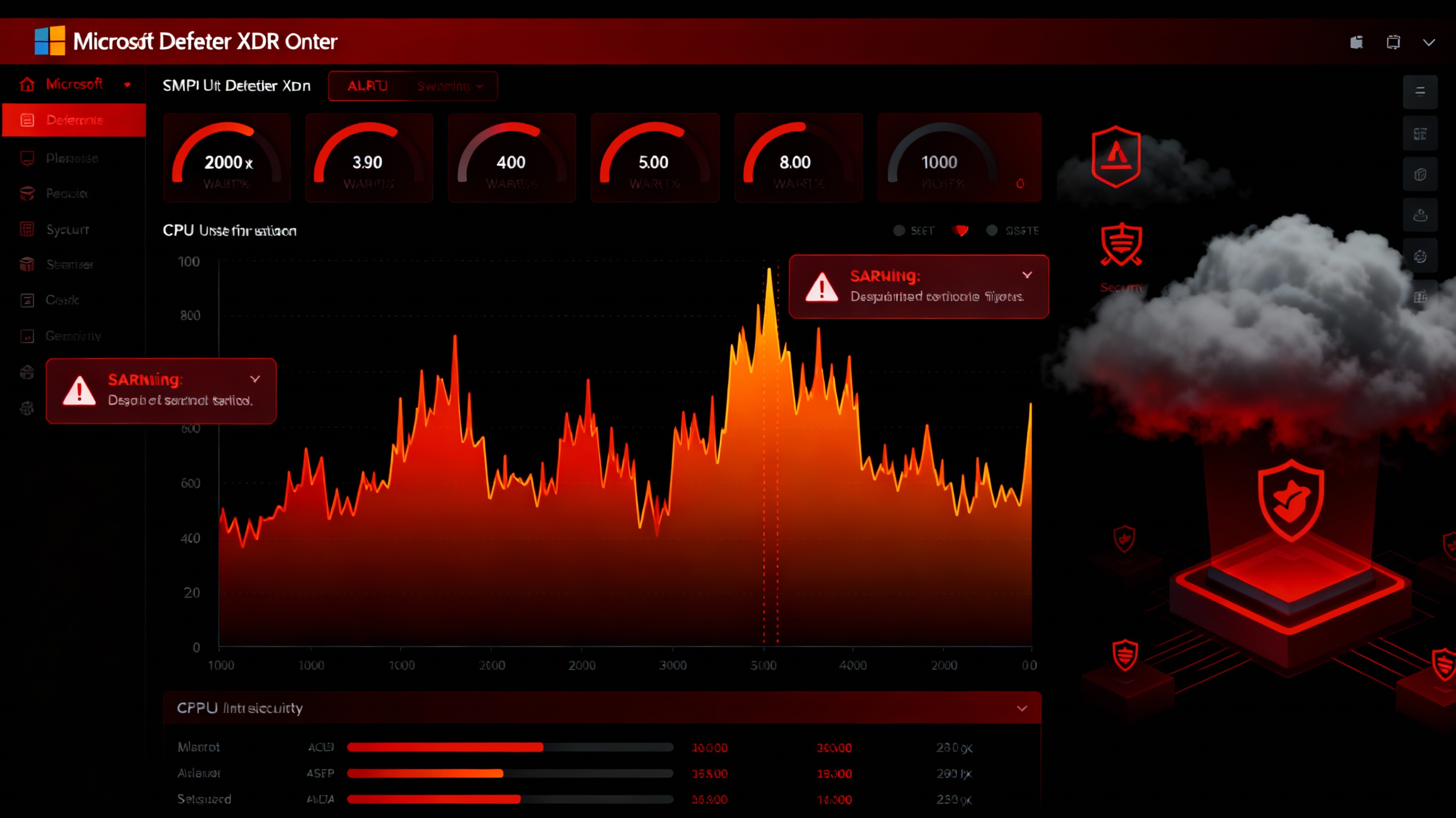
Microsoft Defender XDR portal outage disrupts threat-hunting capabilities and security alert visibility for enterprise customers.
Sources
-
BleepingComputer – Microsoft Defender Portal Outage Blocks Access to Security Alerts (December 2, 2025) – https://www.bleepingcomputer.com/news/microsoft/microsoft-defender-portal-outage-blocks-access-to-security-alerts/
-
Windows Report – Microsoft Defender XDR Portal Suffered Brief Outage, Now Fully Restored (December 2, 2025) – https://windowsreport.com/microsoft-defender-xdr-suffered-brief-outage-now-fully-restored/
-
Health-ISAC – H-ISAC TLP White Informational: Microsoft Defender Portal Outage (December 3, 2025) – https://www.aha.org/h-isac-white-reports/2025-12-03-h-isac-tlp-white-informational-microsoft-defender-portal-outage
-
CyberMaterial – Defender Outage Disrupts Threat Alerting (December 3, 2025) – https://cybermaterial.com/defender-outage-disrupts-threat-alerting/