

Introduction
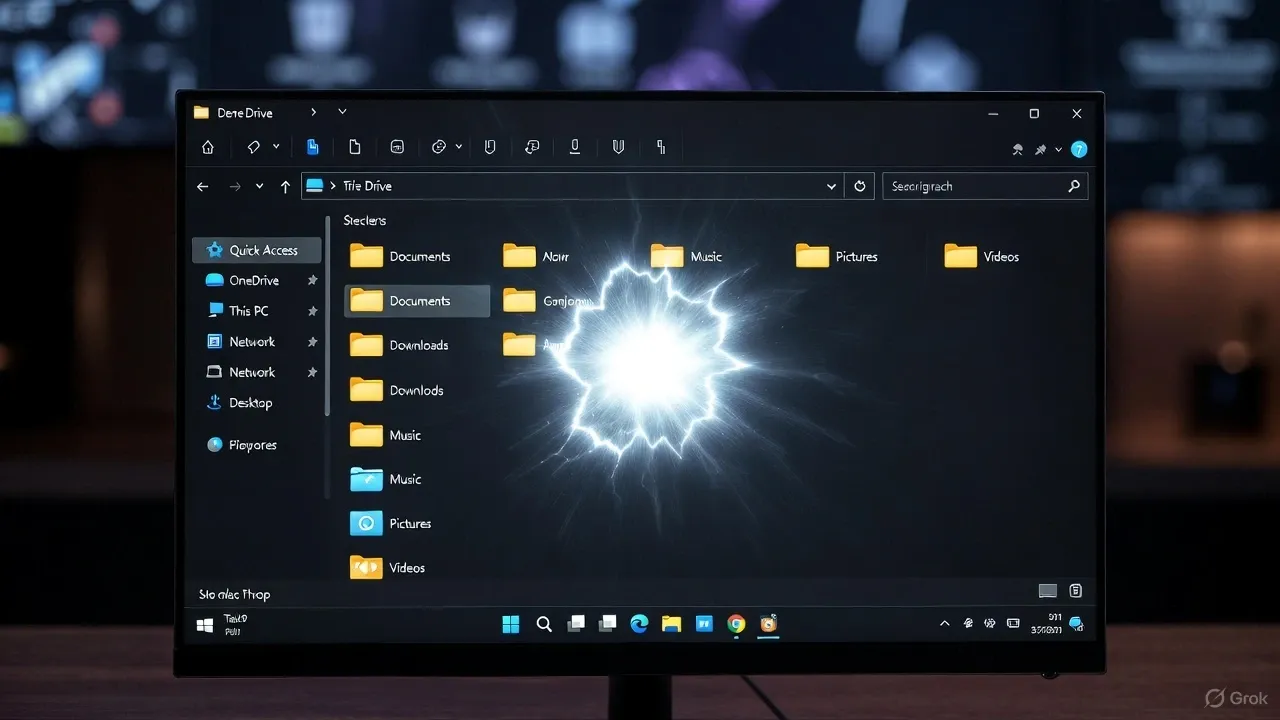
Microsoft’s optional update KB5070311 for Windows 11, released in late November 2025, was supposed to make dark mode more consistent across File Explorer and system dialogs. Instead, it has unexpectedly triggered a visual glitch that makes File Explorer flash a bright white screen whenever users open or navigate folders in dark mode.
This issue has frustrated IT professionals and users alike, as it disrupts workflows and undermines the very purpose of dark mode on modern Windows systems.
What KB5070311 Was Designed to Improve
The KB5070311 update aimed to unify the visual experience of Windows 11 by extending dark mode to older components within File Explorer. This included copy, move, and delete dialogs, progress bars, and other legacy windows that previously remained bright even with dark mode enabled.
Users expected a smoother and visually coherent interface, particularly when switching between modern and legacy Explorer windows.
What Actually Happened After the Update
Shortly after installation, reports surfaced of bright white flashes when opening or navigating through File Explorer in dark mode.
The issue occurs in several scenarios:
- Launching File Explorer for the first time
- Switching between “Home,” “Gallery,” or “Quick Access” views
- Opening or closing tabs
- Copying or moving files
These sudden white flashes are particularly jarring for users working at night or using OLED displays, where brightness contrast can cause visual discomfort. Microsoft has since confirmed the issue in its known problems list for KB5070311, stating that “File Explorer may briefly display a blank white screen before content is loaded.”
Temporary Fixes and Workarounds
While waiting for an official patch, several temporary solutions can minimize the issue:
- Switch File Explorer to Light Mode only, while keeping the rest of Windows in dark mode.
- Uninstall or skip the KB5070311 update if the issue impacts productivity.
- Use a third-party file manager temporarily to avoid visual interruptions.
- For administrators, test optional updates in a sandbox or staging environment before mass deployment.
Impact for Enterprises and IT Admins
Though seemingly minor, this visual regression has broader implications for enterprise deployment. Organizations deploying KB5070311 across multiple systems may face user complaints or visual fatigue issues.
This case also underscores the importance of controlled rollout strategies and thorough validation in dark-mode environments, especially for updates that modify interface rendering.
Microsoft’s Response
Microsoft has officially acknowledged the File Explorer flash issue and confirmed that a corrective update is in development. Users enrolled in Insider channels are likely to receive an early fix before its public rollout.
Until then, Microsoft recommends avoiding the optional preview update if stability and consistent UI rendering are critical to daily operations.
Conclusion
KB5070311 was intended to make Windows 11’s dark mode more polished, but instead it introduced an unexpected white flash bug that negatively affects usability.
For now, the safest approach is to skip this optional update or switch File Explorer to light mode until Microsoft releases a permanent fix. IT teams should monitor Windows Update notes closely and validate future builds in testing environments before deployment.
Sources
- Pureinfotech – Windows 11 KB5070311 update details
- Windows Latest – Microsoft confirms Windows 11 update breaks File Explorer dark mode
- BleepingComputer – Windows 11 KB5070311 triggers bright white flashes in File Explorer dark mode
- TechRadar – Windows 11 update breaks dark mode for some users
- Tom’s Hardware – Windows 11 update designed to improve dark mode greets users with a flashbang
- PC Gamer – Windows 11’s latest update includes a free File Explorer flashbang bug